
Bitwig MIDI Generator — Free Online
Free Bitwig MIDI generator — roll complete MIDI arrangements (melody, chords, bass, drums) in your browser and drop them into Bitwig Studio. No sign-up.
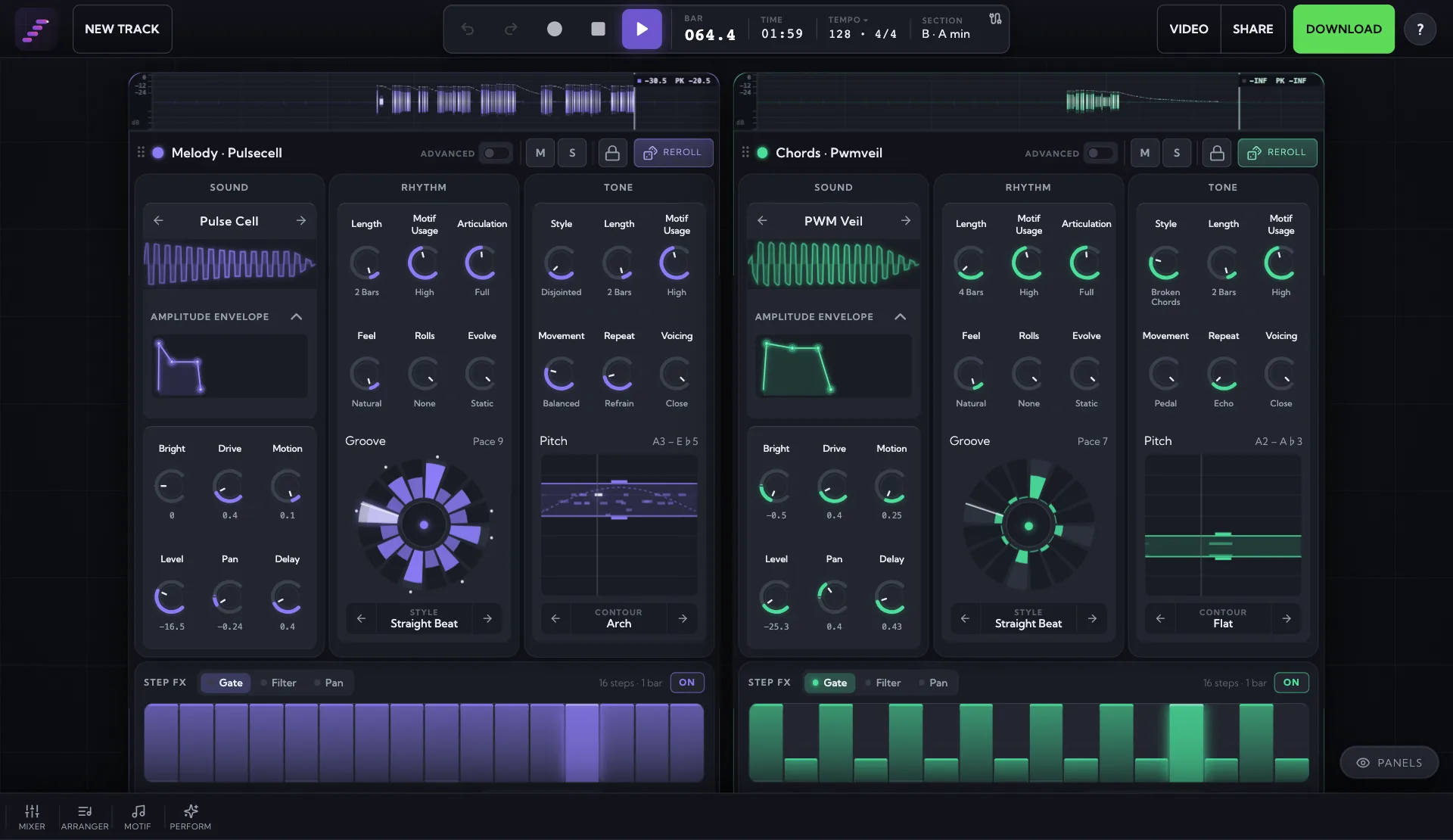
The generator lives in the studio — roll full arrangements, edit every note, export MIDI, WAV or MP3.
MIDI Maker is a free online MIDI generator that writes complete arrangements — melody, chords, bassline and drums — as editable MIDI you can drag straight into Bitwig Studio. Roll ideas in the browser, keep the ones that work, and take them further with Bitwig’s modulators and Note FX.
How to use the MIDI in Bitwig Studio
- Generate a track in the MIDI Maker studio, audition it, and download it as a .mid file.
- In Bitwig Studio, drag the .mid file from your file manager into the Arranger timeline — Bitwig creates one instrument track per part, so melody, chords, bass and drums each land on their own track.
- Set the project tempo to the BPM shown in the studio (double-click the tempo field in the transport) so the groove sits where it was written; Bitwig does not read tempo from an imported MIDI file.
- Drop a device on each track: Polymer or Phase-4 for the pitched parts, and a Drum Machine for the drum track — load a GM-mapped preset so the kick lands on C1 and the snare on D1.
- Double-click a clip to edit it in the Detail Editor, and use the Note FX devices (Arpeggiator, Note Echo, Humanize) on a track to develop the generated part without rewriting it.
Stream MIDI live into Bitwig Studio
Bitwig is particularly good at the live route: Live MIDI Out (Chrome/Edge) streams every generated note plus MIDI clock to a virtual port, which Bitwig treats as an ordinary controller input — so you can run the generator into a track full of Note FX and modulators and record the result. Setup is covered in the MIDI Out docs and the live MIDI sequencer guide. See the Live MIDI Out docs and the guide to using MIDI Maker as a live MIDI sequencer for the full walkthrough.
MIDI generator guides for other DAWs
- Ableton Live MIDI generator guide
- FL Studio MIDI generator guide
- Logic Pro MIDI generator guide
- GarageBand MIDI generator guide
- REAPER MIDI generator guide
- Cubase MIDI generator guide
- Studio One MIDI generator guide
More free MIDI tools
- Scale to MIDI tool
- Chord progression to MIDI tool
- Drum MIDI generator
- Melody generator
- Audio to MIDI converter
Frequently asked questions
Does the MIDI work with Bitwig Studio's stock devices?
Yes — it is a standard .mid file, so the pitched parts drive Polymer, Phase-4, Sampler or any VST, and the drum part’s General MIDI numbers line up with the GM-mapped Drum Machine presets in Bitwig’s library.
Can I stream MIDI live into Bitwig Studio?
Yes — the studio’s Live MIDI Out mode (Chrome or Edge) sends notes and MIDI clock to a virtual port: the IAC Driver on macOS, loopMIDI on Windows, or an ALSA virtual port on Linux, which Bitwig supports natively. Enable the port under Settings → Controllers and arm an instrument track to record it.
Is the generated MIDI royalty-free?
Yes — everything the generator writes is royalty-free with no attribution required. Free and Pro output is licensed for personal projects, and the Studio plan adds a commercial-use licence for releases, games, videos and client work.
Want full tracks, not just MIDI files?
The MIDI Maker studio rolls complete, editable arrangements — melody, chords, bass and drums — you can export to any DAW. Free, in your browser.
Open the Studio — Free