
Use MIDI Maker as a Live Generative MIDI Sequencer

Stream generative MIDI straight into Logic Pro, Ableton Live, FL Studio or hardware as it plays — no export step, every instrument on its own channel.
The export-import loop is where momentum dies. Streaming MIDI live keeps the generator in the session with you, playing your own instruments.
There's a particular kind of friction in using a generative tool alongside a DAW. You generate something promising, export a MIDI file, switch applications, import it, assign instruments, listen — and by then the idea has cooled. If it wasn't quite right, you go back and do the whole loop again.
Live MIDI out removes that loop entirely. MIDI Maker streams its notes into your DAW as the track plays, so the generated arrangement drives your instruments in real time. You hear the idea through the sounds you actually intend to use, and you can keep regenerating until something lands — without leaving the session.
What Actually Gets Sent
Three things travel down the wire. Notes, with each instrument on its own MIDI channel — synths default to channels 1-9 and 11-16, drums to channel 10, following the General MIDI percussion convention. MIDI clock, so tempo and transport can be followed. And Start, Stop and song position messages, so seeking moves everything together.
The per-channel split matters more than it sounds. Because every synth and drum arrives separately, you can record them onto separate DAW tracks in a single pass — a full multitrack arrangement rather than one merged MIDI blob you then have to untangle. Individual drums can be split out too, so the kick can land on its own track apart from the rest of the kit.
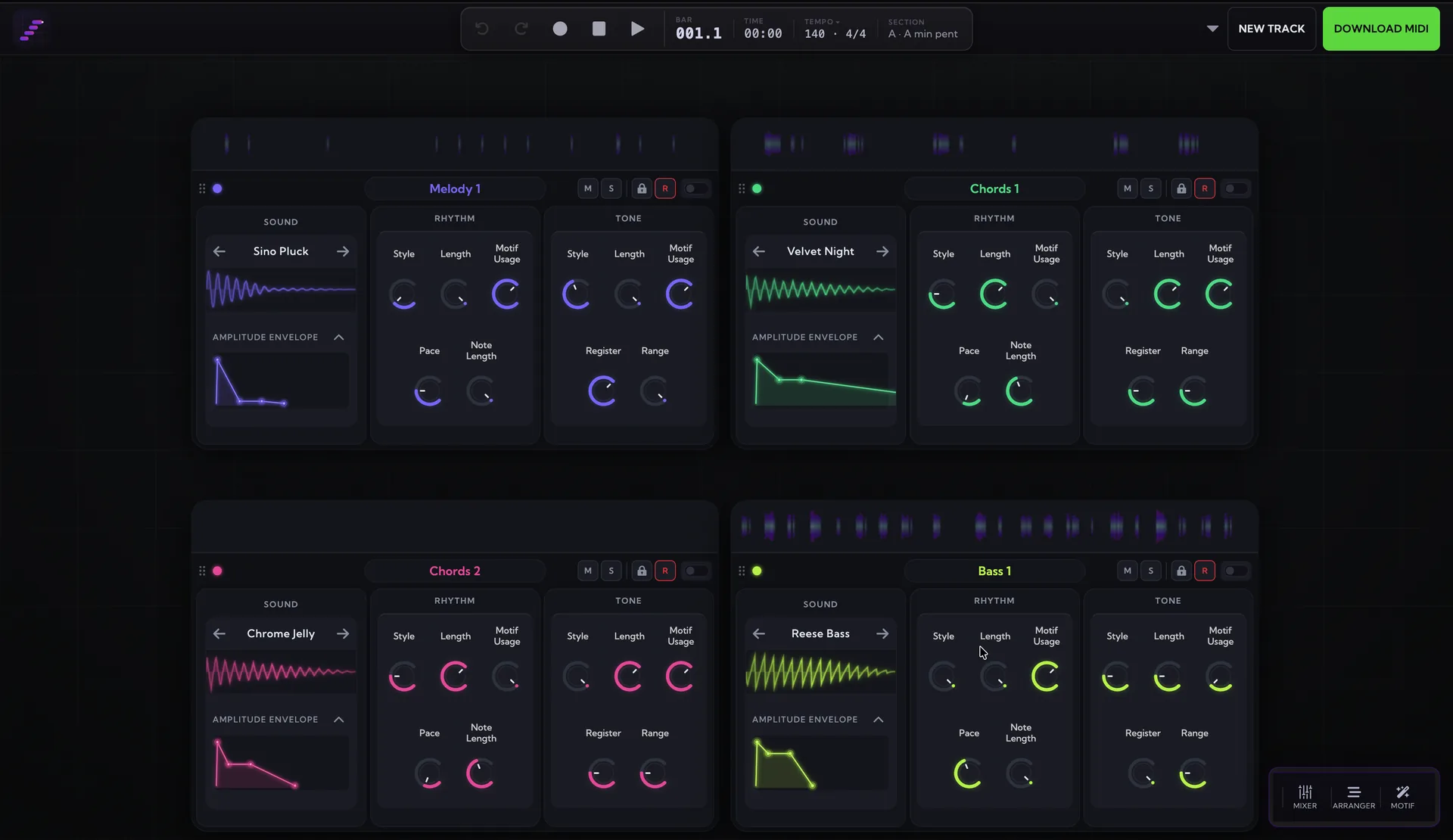
Getting It Running
To reach a DAW on the same machine you need a virtual MIDI bus — a software cable between the browser and your DAW. On macOS this is built in: open Audio MIDI Setup, choose Window → Show MIDI Studio, double-click IAC Driver and tick Device is online. On Windows, install something like loopMIDI and create a port. Hardware connected over USB needs no bus at all — it shows up directly.
In the studio, open the MIDI button next to the transport, switch on Stream MIDI, allow the browser's MIDI permission prompt, and pick your bus from the output list. Press play.
In Logic Pro
Create a Software Instrument track, load an instrument, and record-enable it. Set Logic's tempo to match MIDI Maker's, start recording, then press play in MIDI Maker. To capture instruments separately, set each track's MIDI input to a specific channel rather than All.
One honest caveat: Logic Pro can't follow MIDI clock, so its tempo won't change on its own — you set it manually to match. The notes themselves stream and record exactly as you'd expect; it's only the tempo that needs a moment of setup.
In Ableton Live, FL Studio and Hardware
These can follow MIDI clock. Enable the virtual bus as a sync input in their MIDI preferences and set the device to follow external sync. From then on, pressing play in MIDI Maker starts them, their tempo tracks MIDI Maker's, and moving the playhead moves theirs too — which makes MIDI Maker behave like a generative sequencer sitting upstream of your whole rig.
That opens up something the file-export workflow never could: leaving the generator running as a live source of ideas while you play, tweak and record around it, rather than treating it as a one-shot that produces a file.
Hearing Only Your Instruments
By default you'll hear MIDI Maker's own synthesis alongside your DAW's, which gets muddy fast. The Silence app audio toggle mutes MIDI Maker and skips audio generation altogether, so you hear only your DAW. Because nothing is being synthesised in the browser, it also drops CPU use noticeably — worth switching on whenever your DAW is the thing making the sound.
What You Need
Live MIDI out is built on the Web MIDI API, so it needs Chrome or Edge — Safari and Firefox don't support it. It's included with Pro; see pricing for what else that covers, or the full setup guide for the details.
The generative part was never really the hard bit — getting ideas out of a generator and into the place you actually work was. Generate something and stream it in and see how much faster the loop gets.