
GarageBand MIDI Generator — Free Online
Free GarageBand MIDI generator — roll complete MIDI arrangements (melody, chords, bass, drums) in your browser and drag them into GarageBand. No sign-up.
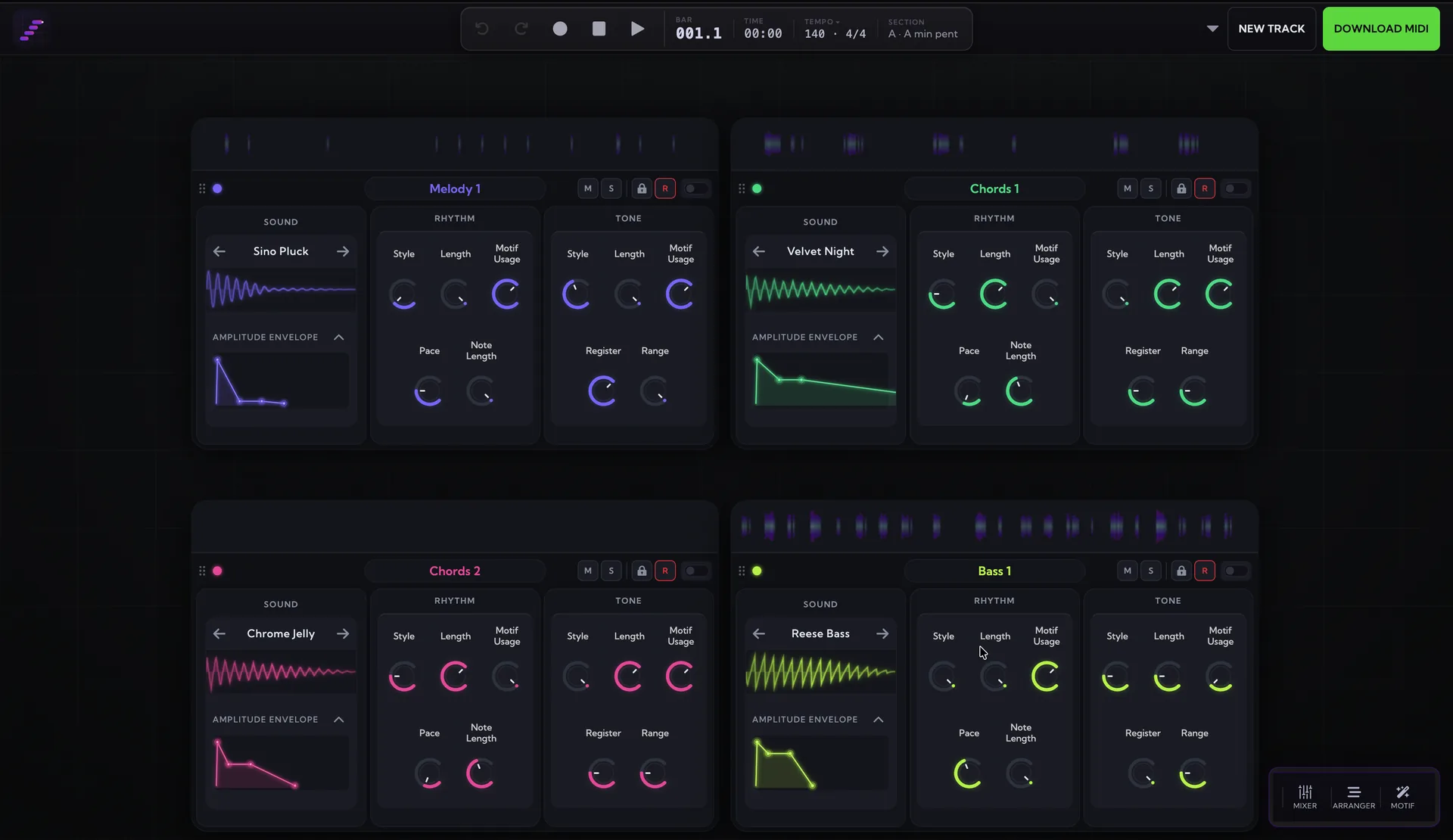
The generator lives in the studio — roll full arrangements, edit every note, export MIDI, WAV or MP3.
MIDI Maker is a free online MIDI generator that produces complete arrangements — melody, chords, bassline, and drums — as standard MIDI files GarageBand opens with a single drag. It's an easy way to start a GarageBand project with real musical material instead of an empty grid.
How to use the MIDI in GarageBand
- Generate a track in the MIDI Maker studio and download it as a .mid file.
- Open a GarageBand project and drag the .mid file into an empty part of the Tracks area.
- GarageBand creates a software instrument track for each part of the file — melody, chords, bass, and drums.
- Click a track header and pick a sound from the Library — any keyboard or synth patch for the pitched parts, a drum kit for the drum track.
- Double-click a green region to open the editor and tweak notes, or loop the regions to build a longer arrangement.
Stream MIDI live into GarageBand
On a Mac you can also stream the generator into GarageBand in real time: enable the IAC Driver, switch on Live MIDI Out in the studio (Chrome/Edge), and record onto any armed track — the same routing as the Logic setup described in the MIDI Out docs and the live MIDI sequencer guide. See the Live MIDI Out docs and the guide to using MIDI Maker as a live MIDI sequencer for the full walkthrough.
MIDI generator guides for other DAWs
- Ableton Live MIDI generator guide
- FL Studio MIDI generator guide
- Logic Pro MIDI generator guide
- REAPER MIDI generator guide
- Cubase MIDI generator guide
More free MIDI tools
- Scale to MIDI tool
- Chord progression to MIDI tool
- Drum MIDI generator
- Melody generator
- Audio to MIDI converter
Frequently asked questions
Does the MIDI work with GarageBand's stock instruments?
Yes — GarageBand turns each part of the .mid into a software instrument track, so you can assign any Library sound: keys or synths for the pitched parts and a drum kit for the drum track, which uses the standard General MIDI drum mapping.
Can I stream MIDI live into GarageBand?
Yes — on a Mac, enable the IAC Driver in Audio MIDI Setup and turn on Live MIDI Out in the studio (Chrome or Edge). GarageBand listens to all MIDI inputs automatically, so a record-armed software instrument track captures the generator as it plays.
Is the generated MIDI royalty-free?
Yes — everything the generator writes is royalty-free with no attribution required. Free and Pro output is licensed for personal projects, and the Studio plan adds a commercial-use licence for releases, games, videos and client work.
Want full tracks, not just MIDI files?
The MIDI Maker studio rolls complete, editable arrangements — melody, chords, bass and drums — you can export to any DAW. Free, in your browser.
Open the Studio — Free